Aesthetic Planner Apps: Digital Bullet Journaling Without the Mess
By PlanJour team, Sparklithic Ltd · Published · Updated
You loved the look of a bullet journal, without the hand cramp or the redo-the-whole-week when you make a mistake. Here's the digital version.
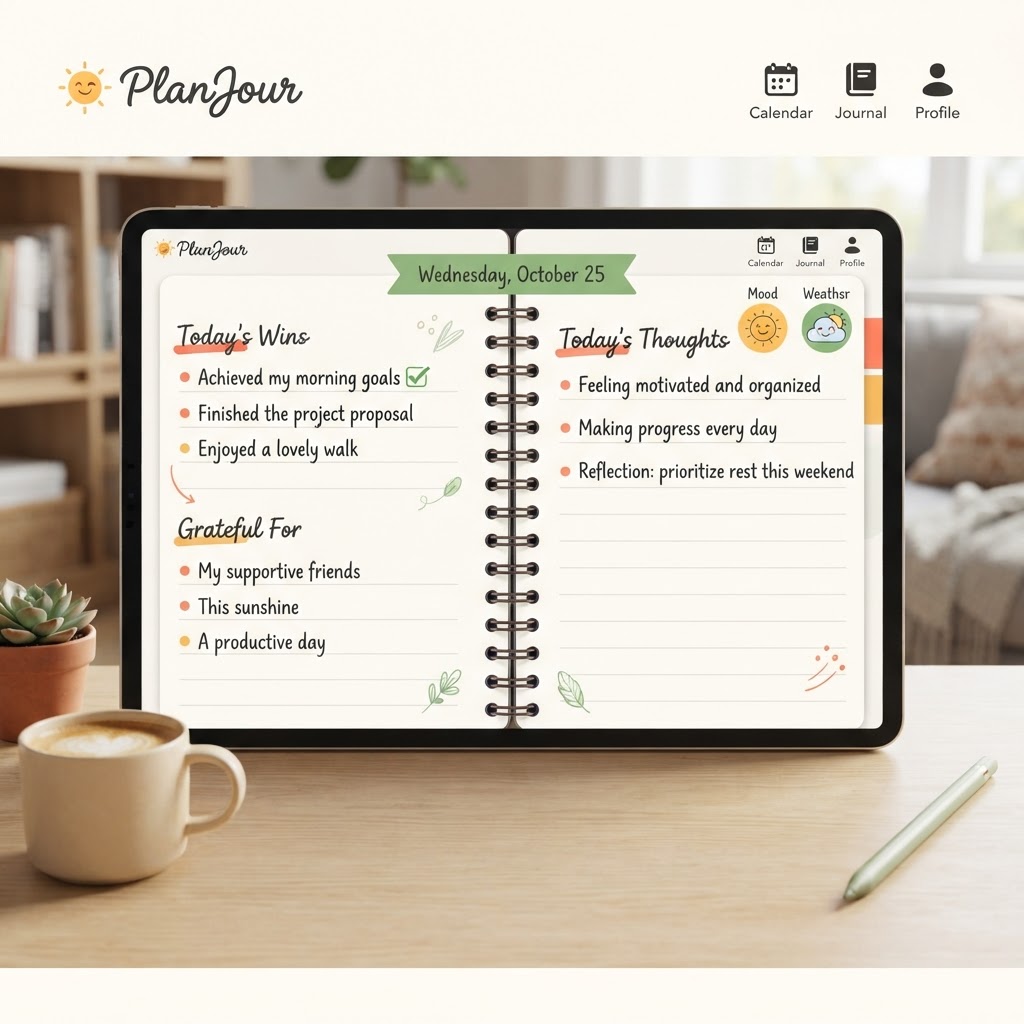
The appeal of bullet journaling was never really about bullets
Bullet journaling took off because it made planning feel personal, washi tape, hand-lettering, colour-coded spreads, a system that actually looked like it belonged to you. The actual bulleted list-tracking method was almost beside the point. What people fell in love with was an aesthetic that made opening the planner feel good.
Where paper planners start to strain
The honest downside of paper is friction: a typo means a redo or a messy cross-out, a missed week means starting the spread from scratch, and there's no drag-and-drop, no reminders, no way to reschedule a whole week of events in one motion. The aesthetic is real, but the maintenance cost is real too.
What PlanJour actually keeps from that world
PlanJour's calendar leans directly into the same visual instinct: doodle-style event shapes instead of flat grey blocks, an emoji sticker on anything, and colour-coded categories you fully control. The journal side goes further, letting you design your own cover with colour, pattern and a foil accent, including a dedicated Playful pattern pack (confetti, hearts, smiley doodles, rainbows, balloons) for anyone who wants their notebook to feel more like a celebration than a study planner.
What it doesn't ask you to give up
Unlike paper, moving an event doesn't mean starting over, and a typo is a backspace, not a scribble. Recurring events, reminders, and external calendar sync all work exactly like you'd expect from real planning software, because underneath the aesthetic, it is real planning software.
Free to start with two cover themes
You don't need to commit to a subscription to see if the aesthetic actually works for you. Free accounts get two starter cover themes and the full sticker and colour system on the calendar. Start free and design your first cover in a couple of minutes.