How do I stop double-booking myself across work and personal calendars?
By PlanJour team, Sparklithic Ltd · Published · Updated
Running separate work and personal calendars is a common setup, and a common source of double-booking. Here's how to actually prevent it.
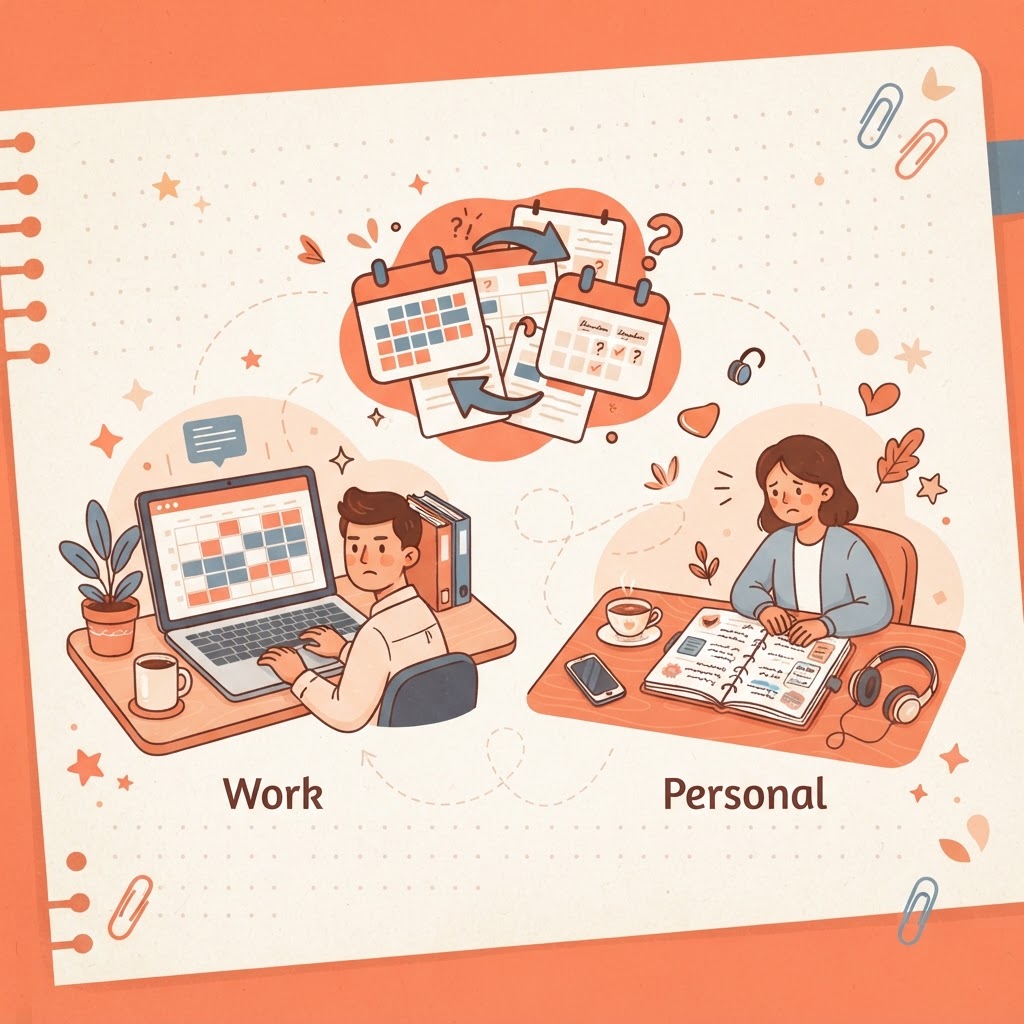
Keeping work and personal life on separate calendars is a reasonable instinct, privacy, separation, not wanting a personal appointment visible to colleagues, but it creates a specific structural risk: nothing stops the two calendars from silently overlapping, because neither one can see the other.
The core problem: two calendars means two blind spots
If your work calendar doesn't know about your personal commitments and vice versa, double-booking isn't a rare mistake, it's the expected outcome of the setup itself. You're relying on memory to catch conflicts that neither calendar can see, and memory is exactly what calendars exist to replace.
Fix 1: use calendar overlay or subscription features if your tools support them
Many calendar platforms let you view multiple calendars overlaid in one screen, even if they remain separate for privacy or sharing purposes. If your tools support this, turning it on gives you a single visual check of both without merging the underlying calendars, which is the least disruptive fix if it's available to you.
Fix 2: block personal time on your work calendar as generic busy blocks
If true overlay isn't available, a workable compromise is placing a private, vaguely labeled block ("personal commitment") on your work calendar for anything already scheduled personally, without revealing details. This protects the slot from being double-booked by colleagues while keeping the specifics private.
Fix 3: do a single daily or weekly cross-check
If your tools genuinely can't be linked, a manual check, looking at both calendars side by side once a day or once a week, catches conflicts before they become a real problem. It's not as good as automatic overlay, but it's far better than relying on remembering both schedules unaided.
Fix 4: consolidate into one calendar with categories instead, if your situation allows it
For many people, especially freelancers or anyone without a strict employer-mandated separation, a single calendar with clear categories (work, personal) achieves both the visibility of one unified schedule and enough differentiation to tell at a glance which is which, without the structural risk of two calendars that can't see each other.
The underlying principle
Double-booking isn't really a memory failure, it's what happens when the system itself can't see all your commitments in one place. Whichever fix fits your situation, the goal is the same: make sure something, whether that's one calendar or a genuine overlay of two, always has full visibility of everything you've committed to.