Turn Any Week or Month Into a Shareable PDF Itinerary
By PlanJour team, Sparklithic Ltd · Published · Updated
Export any date range of your PlanJour calendar to a clean, printable PDF, no PlanJour account needed for whoever you send it to.
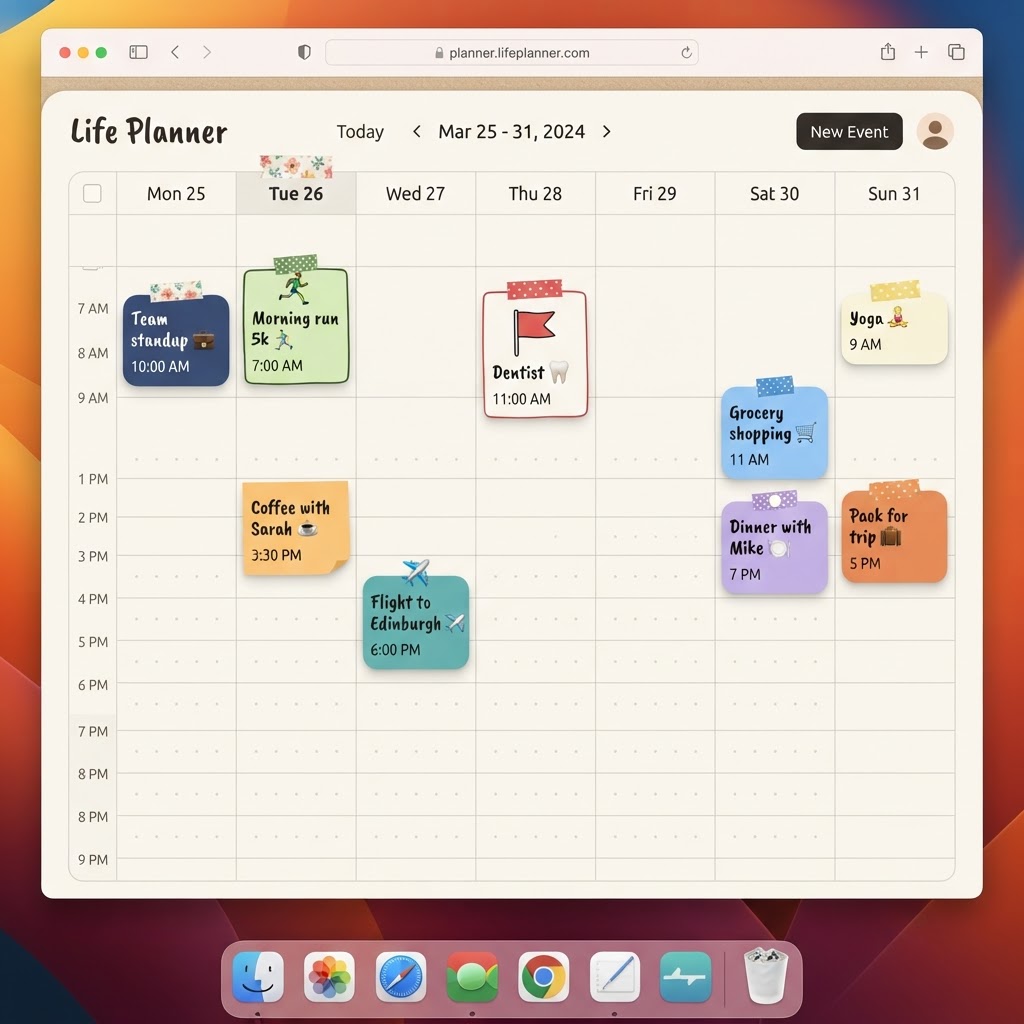
Sometimes 'share my calendar' really means 'send me a document'
Not everyone you need to coordinate with has, or wants, a PlanJour account. Planning a trip with extended family, sending an itinerary to a colleague, or just wanting a physical printout of a busy week are all cases where an in-app share link isn't the right tool. That's what the PDF itinerary export is for.
Pick a range, get a document
From the calendar toolbar, open the Itinerary PDF option, choose this week, this month, or a fully custom date range, and download a clean, day-by-day PDF with times, locations and notes laid out properly for reading or printing. It's built to be handed to someone with zero explanation needed.
No account required to read it
The exported PDF is just a PDF. Whoever receives it doesn't need to sign up for PlanJour, install anything, or click through a link that expires. It's ideal for exactly the audiences who'd never create an account just to see a trip itinerary: extended family, a travel companion, a client.
A PlanJour Plus feature
PDF export is part of PlanJour Plus, alongside whole-calendar sharing, unlimited journal history, and full cover customisation. If you've ever manually retyped a week's plans into a message just to share them with someone outside the app, this replaces that entirely.
Start free, fill in a week, and try the export the next time you need to hand your plans to someone else.