Share Your Whole Calendar, View-Only
Give another PlanJour account holder read-only visibility into your entire calendar, not just a single event, a PlanJour Plus feature.
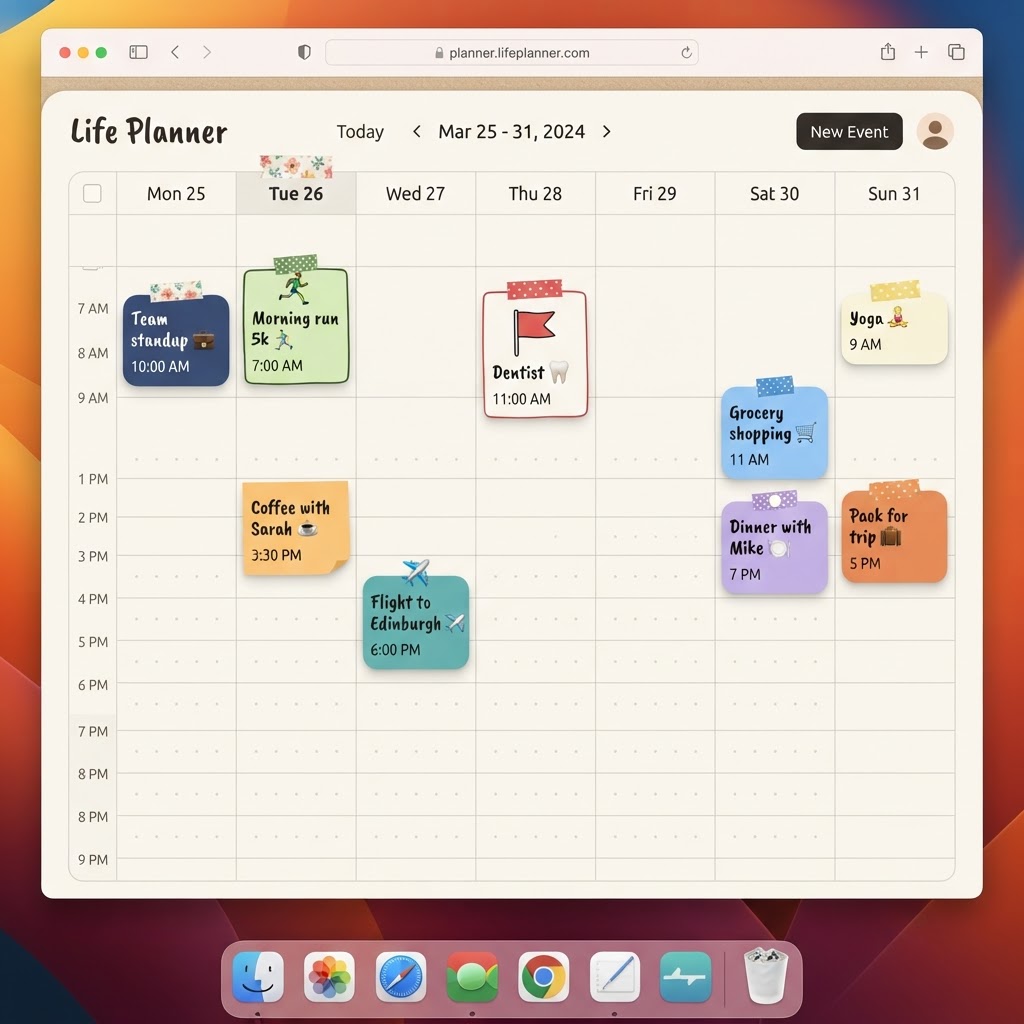
Two different kinds of sharing, for two different needs
PlanJour actually supports two separate sharing models, because 'share my calendar' means different things depending on who you're sharing with. You can share a single event with a specific collaborator, useful for coordinating one plan with one person. Or, as a PlanJour Plus feature, you can share your entire calendar with someone, view-only, so they always know what your week looks like without you having to send anything.
What the other person actually sees
Whole-calendar sharing is strictly read-only. The person you share with can see every event on your calendar from their own Account page, but they can't edit, delete, or add anything to it. It's built for visibility, not collaboration, think a partner keeping track of a shared family schedule, or a family member who just wants to know your availability without needing edit access.
It sits alongside per-event sharing, not instead of it
If you only need to coordinate on individual plans, per-event sharing still works exactly as it always has, add specific collaborators to a single event and they get that one event, with normal edit access if you choose. Whole-calendar sharing is for the broader, ongoing 'I just want you to always know my schedule' case.
Your journal stays yours either way
Sharing your calendar, whole or per-event, never extends to your journal. Whoever you share with sees your events. They never see your private reflections, mood, or gratitude entries. Calendar and journal are the same app, but they're not the same trust boundary.
Whole-calendar sharing is a PlanJour Plus feature. If keeping someone in the loop on your schedule has meant screenshotting your calendar or repeating yourself over text, see PlanJour Plus or start free and share properly instead.
Things that might help
Hand-picked by us and relevant to this article. Some are affiliate links, which means we may earn a small commission at no extra cost to you. We never use your journal, mood, habits or calendar to decide what appears here.

Skill Share
Creative Classes Taught by the Best Creative Pros. Stay Inspired Discover trending topics, get quick answers, and find your people.
Find your class
Audible
Affiliate linkHear something fascinating with our newest plan. Choose anything you want from our entire collection of 900,000 titles before your plan renews unused monthly selections won’t roll over to the next month.
Start Free 30 Day TrialKeep reading
- How do I connect my Google Calendar to PlanJour?Bring the calendar that already governs your working day into PlanJour, so you are planning against your real week rather than half of it.
- What is Year in Review and where does it get its information?Most year-end reviews hand you a blank page and ask you to remember twelve months. PlanJour already holds them, so it assembles yours instead.
- How does the monthly check-in put something in my calendar?Rating your life out of ten and closing the window changes nothing. The check-in can now turn a low score into one specific, recurring commitment - in your real calendar.