Dark Mode for Late-Night Planning and Journaling
By PlanJour team, Sparklithic Ltd · Published · Updated
An evening-friendly dark theme across the calendar, journal, Life Progress Checks and achievements, on automatically or toggled by hand.
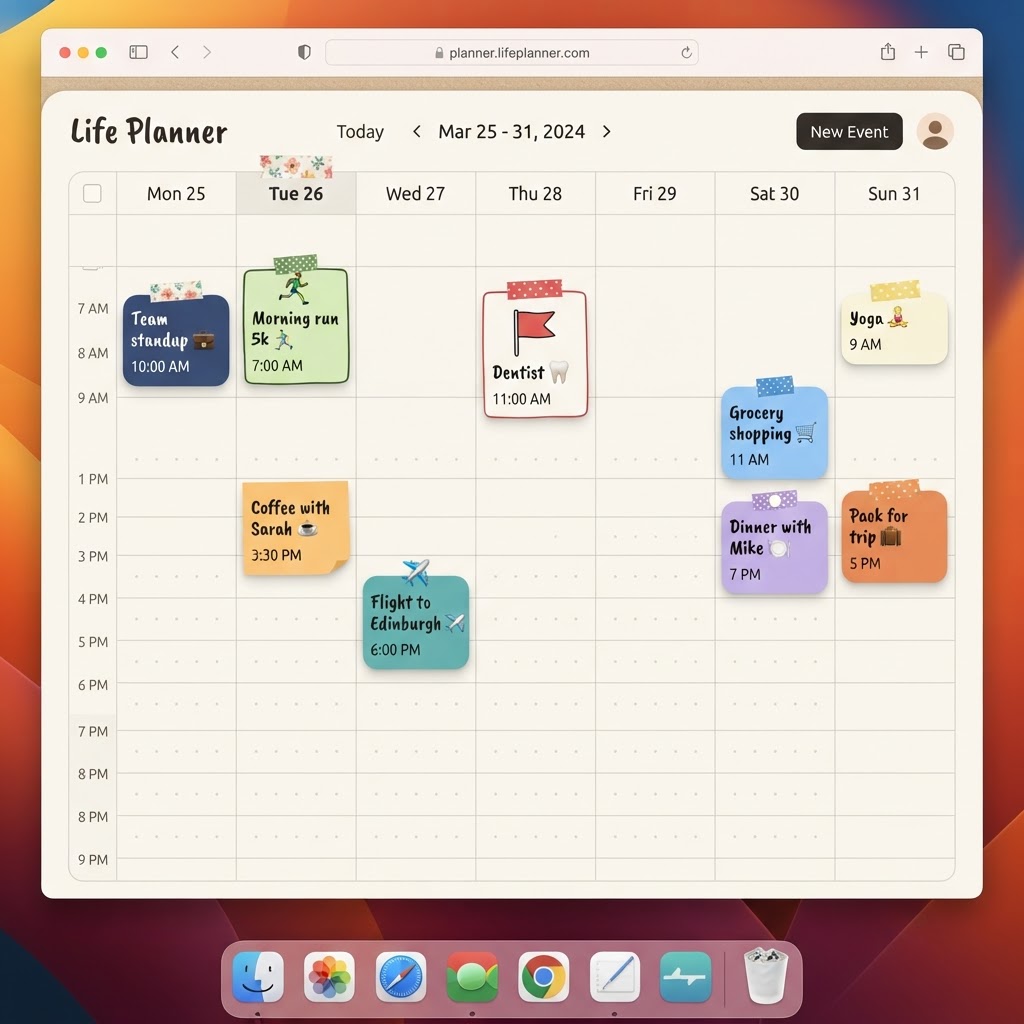
Journaling at 11pm shouldn't mean a wall of white light
A lot of people do their actual daily reflection late at night, after everything else is done, lights low, phone brightness turned right down. A bright white notebook page fighting against all of that is a small but real annoyance, and it's exactly the moment PlanJour's journal is designed for.
One toggle, the whole app
Dark mode covers PlanJour properly: the calendar, the journal, Life Progress Checks, Achievements, all of it, not just a single screen with the rest left glaringly bright. You can switch it on from the profile menu whenever you like.
Or just let it follow your device
If you'd rather not think about it at all, leave PlanJour on 'system' and it will automatically match your phone or computer's own light/dark setting, switching over at whatever time you've already configured your device to change. Prefer to have deliberate control instead of following your OS? The manual toggle is right there in the same menu whenever you want it.
Still the same warm notebook, just at night
Dark mode in PlanJour isn't just a colour inversion, it's a proper second palette designed to keep the same handcrafted, notebook feel; warm paper tones become deep, muted ones, category colours keep their identity, and stickers and shapes on your calendar stay just as readable as they are in the daytime.
If late-evening planning or journaling has ever felt harsher than it needed to, flip the switch and see the difference for yourself: start free and turn it on from your profile menu.