Dark Mode for Late-Night Planning and Journaling
An evening-friendly dark theme across the calendar, journal, Life Progress Checks and achievements, on automatically or toggled by hand.
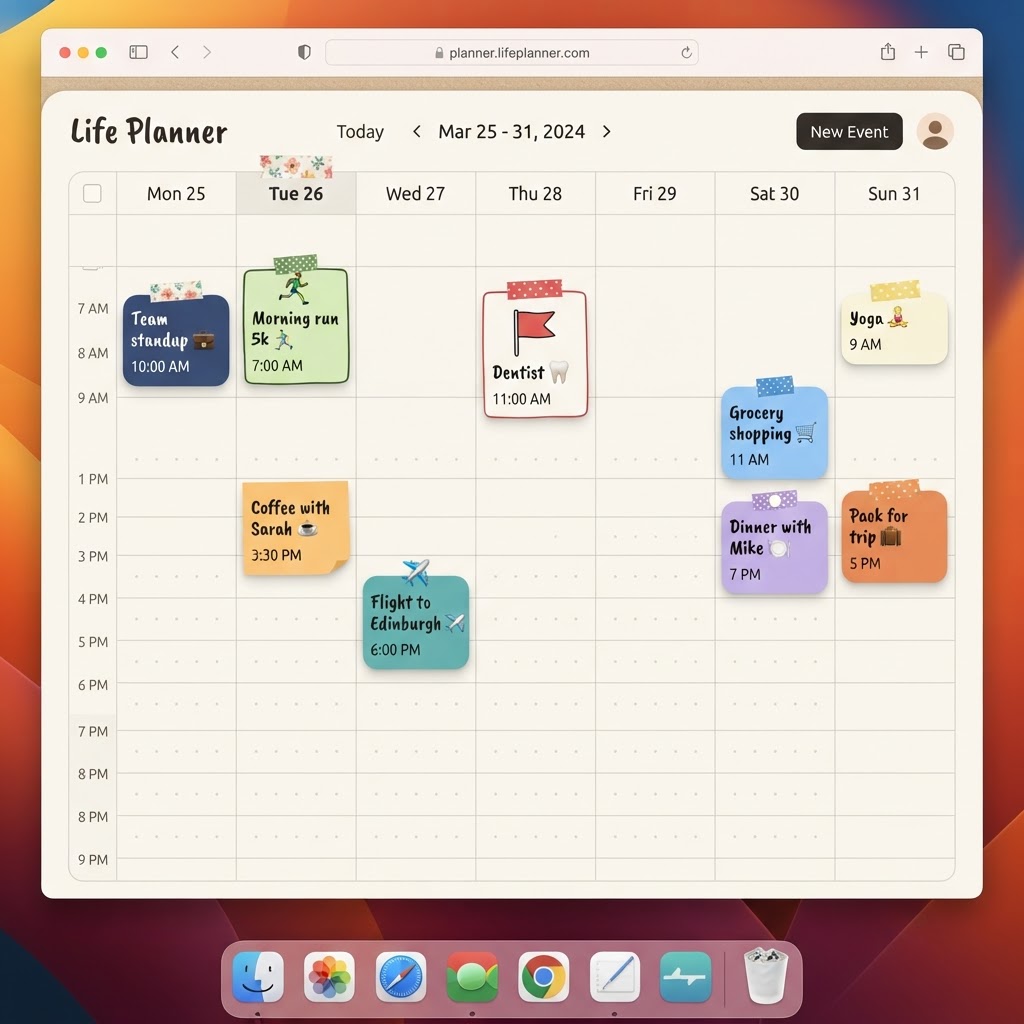
Journaling at 11pm shouldn't mean a wall of white light
A lot of people do their actual daily reflection late at night, after everything else is done, lights low, phone brightness turned right down. A bright white notebook page fighting against all of that is a small but real annoyance, and it's exactly the moment PlanJour's journal is designed for.
One toggle, the whole app
Dark mode covers PlanJour properly: the calendar, the journal, Life Progress Checks, Achievements, all of it, not just a single screen with the rest left glaringly bright. You can switch it on from the profile menu whenever you like.
Or just let it follow your device
If you'd rather not think about it at all, leave PlanJour on 'system' and it will automatically match your phone or computer's own light/dark setting, switching over at whatever time you've already configured your device to change. Prefer to have deliberate control instead of following your OS? The manual toggle is right there in the same menu whenever you want it.
Still the same warm notebook, just at night
Dark mode in PlanJour isn't just a colour inversion, it's a proper second palette designed to keep the same handcrafted, notebook feel; warm paper tones become deep, muted ones, category colours keep their identity, and stickers and shapes on your calendar stay just as readable as they are in the daytime.
If late-evening planning or journaling has ever felt harsher than it needed to, flip the switch and see the difference for yourself: start free and turn it on from your profile menu.
Things that might help
Hand-picked by us and relevant to this article. Some are affiliate links, which means we may earn a small commission at no extra cost to you. We never use your journal, mood, habits or calendar to decide what appears here.

Skill Share
Creative Classes Taught by the Best Creative Pros. Stay Inspired Discover trending topics, get quick answers, and find your people.
Find your class
Audible
Affiliate linkHear something fascinating with our newest plan. Choose anything you want from our entire collection of 900,000 titles before your plan renews unused monthly selections won’t roll over to the next month.
Start Free 30 Day TrialKeep reading
- How does the monthly check-in put something in my calendar?Rating your life out of ten and closing the window changes nothing. The check-in can now turn a low score into one specific, recurring commitment - in your real calendar.
- Why does PlanJour not show me a habit streak?Because a counter that resets to zero after one missed day is the single most reliable way to make somebody quit. Here is what PlanJour shows instead.
- What is the day capacity bar, and why is it telling me my day does not fit?PlanJour knows when your day starts and ends. When you schedule more than will fit between those two points, it says so - before the day rather than after it.