How do I export or back up my journal so I don't lose years of entries?
Years of journal entries represent something genuinely irreplaceable. Here's a simple, low-effort way to make sure they're actually backed up.
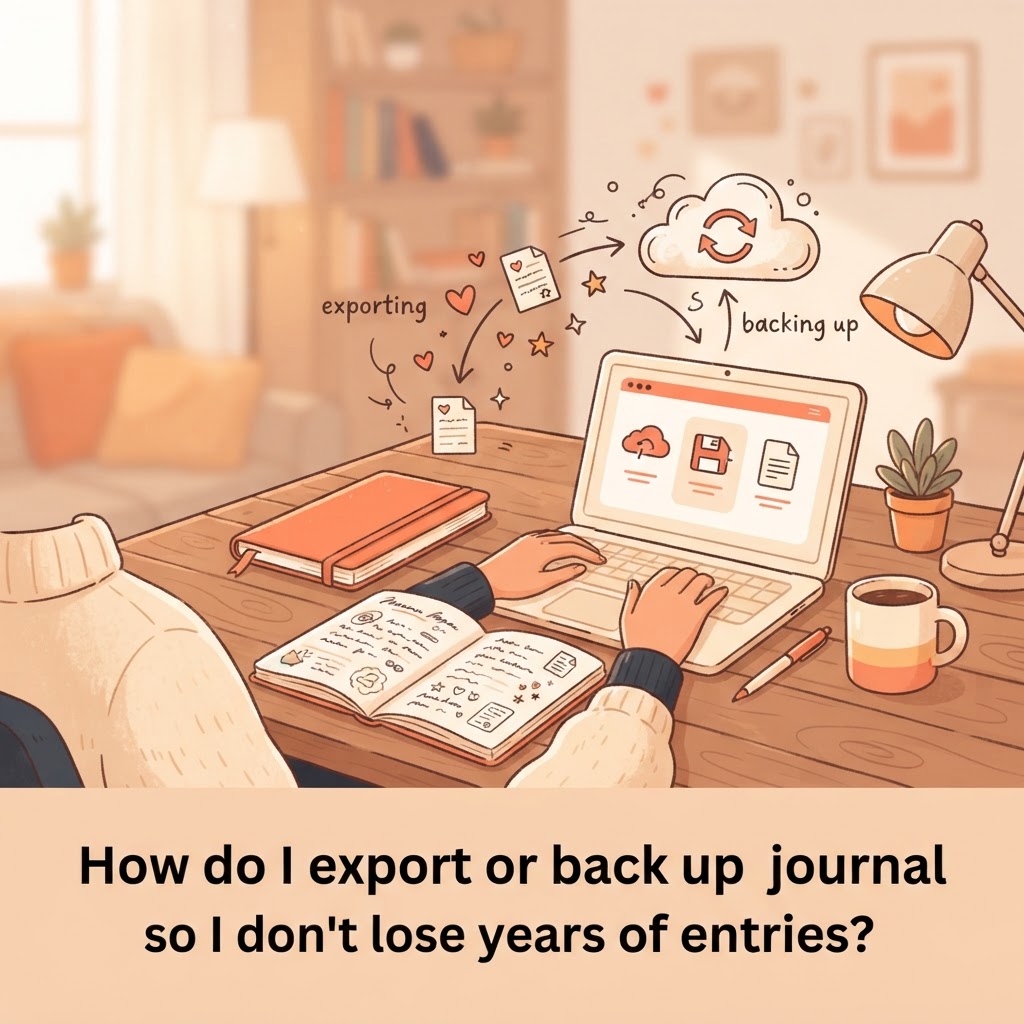
Journal entries are one of the few things people write that they'd genuinely be devastated to lose, years of daily reflection can't be recreated the way a lost document usually can, so it's worth a few minutes of setup to make sure it's actually protected.
Understand what "backed up" actually means for your app
Many apps, PlanJour included, store your entries in the cloud automatically the moment you save them, meaning losing your phone or switching devices doesn't lose your journal, since it lives on the server, not just locally. That said, cloud storage alone protects against device loss, it doesn't protect against every scenario (accidental deletion of your own account, for instance), which is why a personal export is still worth having.
Export a copy periodically, not just once
Most journal and calendar apps that support export (PDF, or a data export) let you generate a personal copy of your entries. Doing this once a year, or after a significant milestone, gives you an independent copy outside the app itself, genuinely useful peace of mind for something you can't get back if it were ever lost.
Store the export somewhere durable, not just another single point of failure
An exported file sitting only on the same phone as the app doesn't add much real protection. Saving a copy to cloud storage (a service separate from the journal app itself) or emailing it to yourself creates genuine redundancy, so a problem with one place doesn't threaten the only copy you have.
Check the export actually opens and looks right
An export is only useful if it actually works when you need it. After exporting, it's worth actually opening the file once to confirm it reads properly and contains what you expect, rather than assuming it's fine and discovering otherwise years later when you actually need it.
Set a recurring reminder to do this, ironically the same tool that helps you journal
A yearly recurring event, "export and back up my journal", on your own calendar is a fitting, low-effort way to make sure this doesn't get forgotten, the same principle that makes recurring events useful for anything else you'd otherwise have to remember on your own.
A journal you've kept for years is genuinely irreplaceable if lost. A once-a-year export habit costs a few minutes and removes nearly all the realistic risk of losing it.
Things that might help
Hand-picked by us and relevant to this article. Some are affiliate links, which means we may earn a small commission at no extra cost to you. We never use your journal, mood, habits or calendar to decide what appears here.

Audible
Affiliate linkHear something fascinating with our newest plan. Choose anything you want from our entire collection of 900,000 titles before your plan renews unused monthly selections won’t roll over to the next month.
Start Free 30 Day Trial
Skill Share
Creative Classes Taught by the Best Creative Pros. Stay Inspired Discover trending topics, get quick answers, and find your people.
Find your classKeep reading
- How do I build a bedtime journaling habit that actually survives busy weeks?Bedtime journaling is one of the first habits to drop during a busy stretch. Here's how to make it durable enough to survive one anyway.
- What's the best calendar color-coding system for someone juggling three roles (work, parent, side project)?Juggling multiple roles on one calendar gets messy fast without a deliberate color system. Here's a simple three-role setup that actually stays legible.
- How do I know if I actually need PlanJour Plus or if the free plan is enough?Not everyone needs to upgrade, and it's worth being honest about when the free plan is genuinely enough. Here's how to tell.