How do I set up recurring events in PlanJour without them cluttering my week view?
Recurring events are meant to save effort, not add visual noise. Here's how to set them up in PlanJour so your week view stays readable.
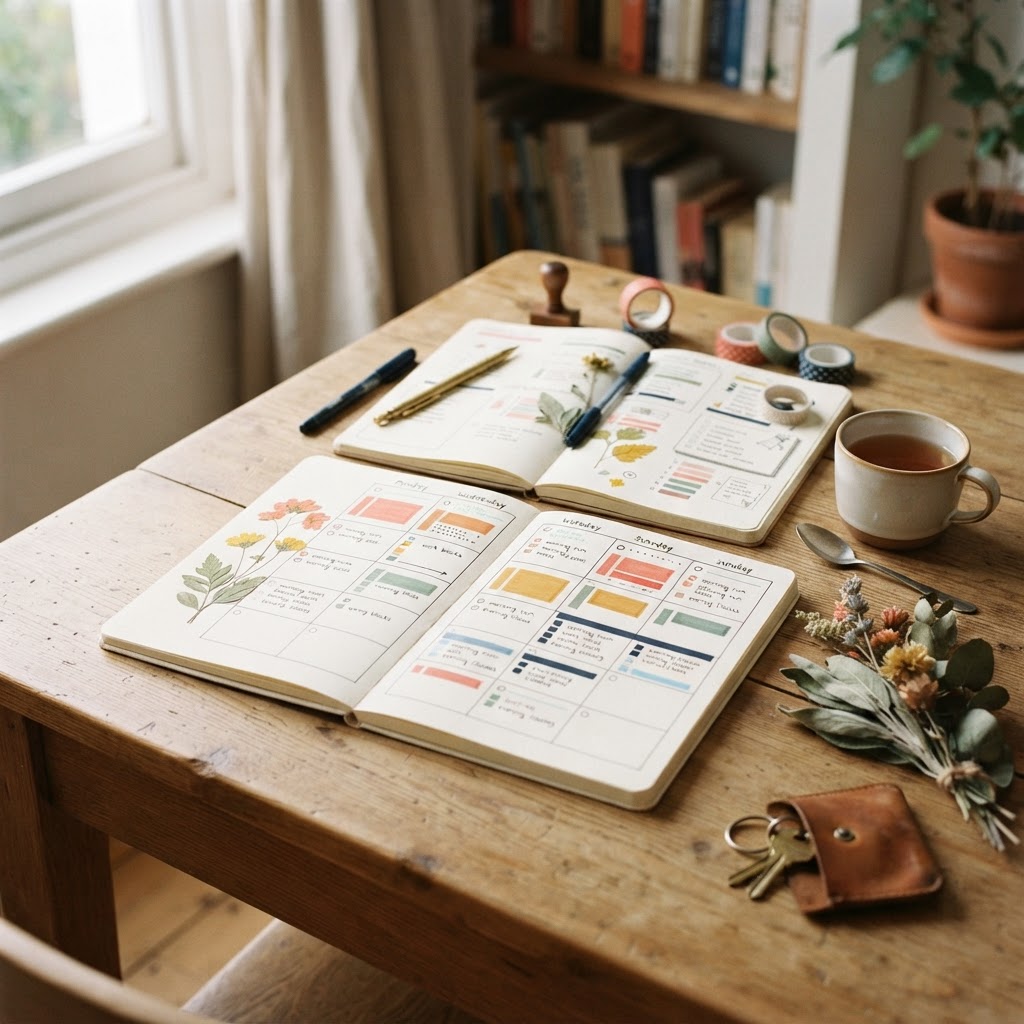
Recurring events are one of the most useful features on a calendar, but set up carelessly, they can make a week view feel busier than it actually is. Here's how to use them well.
Set the recurrence at creation, don't recreate the event manually
When you create an event in PlanJour, choosing daily, weekly, or monthly recurrence means it's automatically placed on every future occurrence, so there's no need to manually re-add a Tuesday gym session or a monthly bill reminder each time it comes around. This is available on PlanJour Plus, and it's the single biggest time-saver for anything that happens on a fixed schedule.
Give recurring events their own category or color
A recurring commitment and a one-off event look identical by default, which makes a week view harder to scan. Assigning a consistent category (or a specific sticker) to recurring items lets you tell at a glance what's fixed and repeating versus what's a one-time plan, without having to read every event's title.
Don't make everything recurring just because it's convenient
It's tempting to set a broad recurrence ("daily") for something that's really only relevant some days, which then clutters days where it doesn't actually apply. If a commitment only happens on specific weekdays, use a recurrence pattern that matches that reality rather than a broader one you'll just end up deleting occurrences from.
Set an end point or a reasonable count where it makes sense
Some recurring events are genuinely indefinite (a weekly team meeting), but others have a natural endpoint (a course that runs for a semester). Setting a recurrence count rather than leaving it open-ended keeps your calendar from carrying events long after they've stopped being relevant, and keeps your week view free of stale recurring clutter months later.
Use reminders on recurring events sparingly
A reminder on every single occurrence of a daily recurring event can become noise fast. Reminders tend to be most useful on recurring events you're still building the habit of remembering, once something is fully automatic, a visual glance is often enough and the reminder can be turned off.
Review recurring events occasionally
A recurring event set up months ago might no longer reflect your actual schedule. A quick look through your recurring items every so often, are they all still accurate, is worth doing so your week view keeps showing your real commitments rather than accumulated leftovers from routines you've since changed.
Things that might help
Hand-picked by us and relevant to this article. Some are affiliate links, which means we may earn a small commission at no extra cost to you. We never use your journal, mood, habits or calendar to decide what appears here.

Audible
Affiliate linkHear something fascinating with our newest plan. Choose anything you want from our entire collection of 900,000 titles before your plan renews unused monthly selections won’t roll over to the next month.
Start Free 30 Day Trial
Skill Share
Creative Classes Taught by the Best Creative Pros. Stay Inspired Discover trending topics, get quick answers, and find your people.
Find your classKeep reading
- How do I build a bedtime journaling habit that actually survives busy weeks?Bedtime journaling is one of the first habits to drop during a busy stretch. Here's how to make it durable enough to survive one anyway.
- What's the best calendar color-coding system for someone juggling three roles (work, parent, side project)?Juggling multiple roles on one calendar gets messy fast without a deliberate color system. Here's a simple three-role setup that actually stays legible.
- How do I know if I actually need PlanJour Plus or if the free plan is enough?Not everyone needs to upgrade, and it's worth being honest about when the free plan is genuinely enough. Here's how to tell.