Design Your Own Journal Cover: Colours, Patterns and Foil Accents
Your PlanJour journal opens with a cover you actually designed: colour, pattern, foil accent and a name of your choosing.
Why a cover matters more than it sounds like it should
A physical journal is a personal object before you've even written a word in it. The colour you picked, the texture of the cover, the way it feels to open, all of that shapes whether you actually want to pick it up again tomorrow. Most digital journal apps skip this entirely and hand you a plain text box. PlanJour doesn't.
Colour, pattern and foil, your choice
When you first open PlanJour's journal, you design its cover. Pick a base colour, choose a decorative pattern from a growing library (dots, chevron, botanical sprigs, constellations, waves and plenty more), add a foil-style accent in gold, silver or rose for the title and spiral binding, then name your journal whatever you like. It's a small ritual, but it's the same ritual that makes a paper notebook feel like yours from the first page.
A pattern pack for every mood
Cover patterns range from quiet and elegant (fine fern, deco arches, moon phases) to genuinely playful. The newer Playful pack adds confetti, hearts, smiley doodles, rainbows and balloons in real, saturated colour for anyone who wants their journal to feel more like a celebration than a study session.
Free to start, more to unlock
Free accounts get two starter cover themes, enough to make the journal feel like yours right away. PlanJour Plus unlocks every pattern, every foil accent, and the full colour range, so your cover can change as often as your mood does.
It's still a real notebook underneath
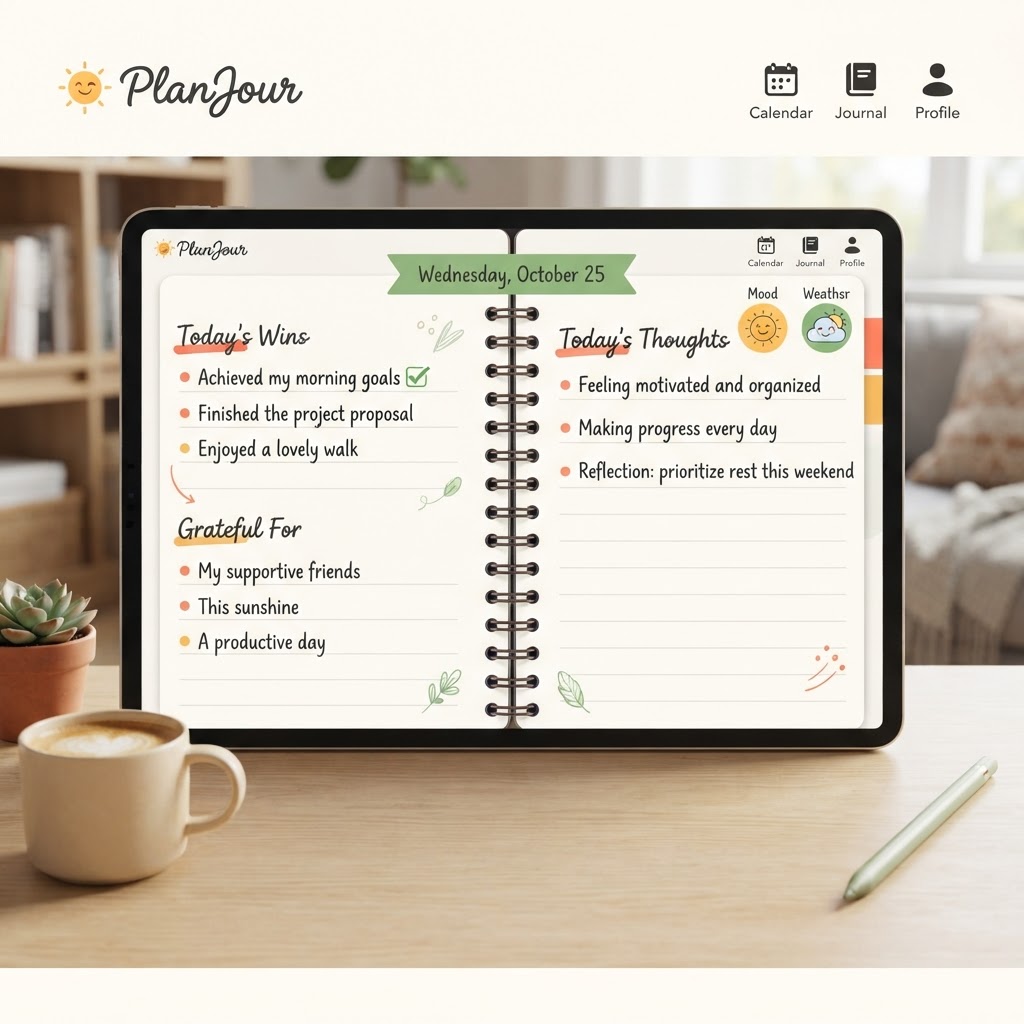
The cover isn't just decoration bolted onto a generic app. It's the front door to a full daily journal with mood and weather tracking, gratitude, habits, and wins pulled straight from your calendar. The cover sets the tone, the pages underneath do the actual work.
Design your first cover and open your first page for free: start your notebook.
Things that might help
Hand-picked by us and relevant to this article. Some are affiliate links, which means we may earn a small commission at no extra cost to you. We never use your journal, mood, habits or calendar to decide what appears here.

Skill Share
Creative Classes Taught by the Best Creative Pros. Stay Inspired Discover trending topics, get quick answers, and find your people.
Find your class
Audible
Affiliate linkHear something fascinating with our newest plan. Choose anything you want from our entire collection of 900,000 titles before your plan renews unused monthly selections won’t roll over to the next month.
Start Free 30 Day TrialKeep reading
- How do I connect my Google Calendar to PlanJour?Bring the calendar that already governs your working day into PlanJour, so you are planning against your real week rather than half of it.
- What is Year in Review and where does it get its information?Most year-end reviews hand you a blank page and ask you to remember twelve months. PlanJour already holds them, so it assembles yours instead.
- How does the monthly check-in put something in my calendar?Rating your life out of ten and closing the window changes nothing. The check-in can now turn a low score into one specific, recurring commitment - in your real calendar.